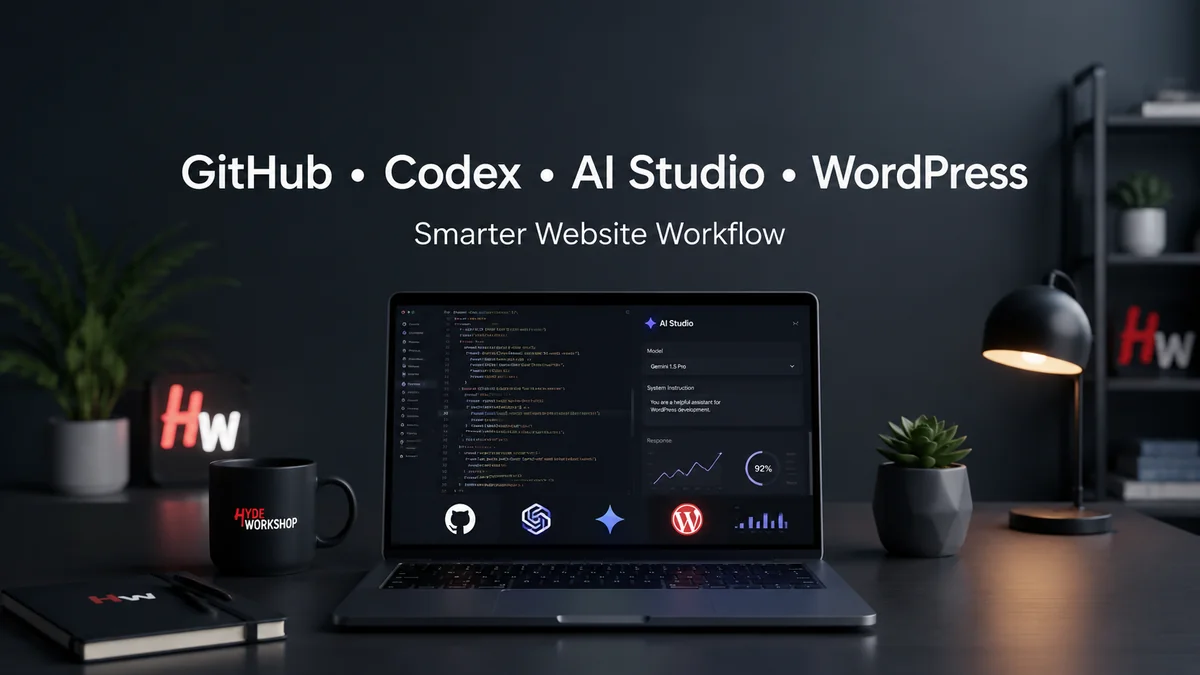
A GitHub Codex AI Studio WordPress workflow can help website owners organize content, review Elementor HTML code, track image metadata, improve Rank Math SEO, test Gemini prompts, and manage WordPress updates with more control. Instead of using AI randomly, this workflow gives each tool a clear job: GitHub stores safe code and issue notes, Codex reviews technical changes, Google AI Studio tests prompt and app ideas, Google Sheets tracks assets, and WordPress remains the final publishing system.
Running a WordPress website today is no longer just about writing articles and uploading images. A modern website owner has to manage content ideas, SEO metadata, image assets, page updates, performance checks, tool research, and sometimes code. For a growing website like HydeWorkshop.com, that can become overwhelming fast.
That is where a smarter workflow comes in. Instead of using AI randomly, the better approach is to create a controlled system where each tool has a job. GitHub can organize code and changes. Codex can help review, explain, and improve code-related tasks. Google AI Studio can help test Gemini-powered ideas, prompts, and app-style workflows. Together, these tools can become a practical support system for creators, bloggers, and small website owners.
Open AI describes Codex as a coding agent that can help build and ship with AI, and its earlier launch described Codex as able to work on tasks such as writing features, answering questions about a codebase, fixing bugs, and proposing pull requests for review. GitHub’s Copilot cloud agent documentation also explains that Copilot can research a repository, create an implementation plan, make code changes on a branch, and let the user review the diff before creating a pull request. Google AI Studio is built around Gemini API experimentation and app building, including tools for building and testing Gemini-powered ideas.
Why a GitHub Codex AI Studio WordPress workflow matters
A GitHub Codex AI Studio WordPress workflow gives website owners a safer way to use AI without letting automation control the whole publishing process. GitHub stores code and revision notes, Codex helps review technical changes, Google AI Studio tests prompts and Gemini ideas, and WordPress remains the final place where approved updates go live.
The value of a GitHub Codex AI Studio WordPress workflow is control. Instead of copying AI-generated code straight into Elementor or WordPress, the workflow creates a review path where every HTML block, SEO update, image description, and automation idea can be checked before it reaches the public website.
Why this matters for WordPress creators
How a GitHub Codex AI Studio WordPress workflow works
A GitHub Codex AI Studio WordPress workflow connects four jobs that many website owners normally handle separately: code storage, code review, prompt testing, and publishing. GitHub acts as the control room for safe code snippets, issues, changelogs, and rollback notes. Codex supports code review and debugging before changes touch a live Elementor or WordPress page. Google AI Studio helps test Gemini prompts, structured content ideas, and lightweight app concepts. WordPress remains the final publishing layer.
The safest GitHub Codex AI Studio WordPress workflow is semi-automatic, not fully automatic. AI can prepare drafts, review code, suggest metadata, organize image information, and create task lists, but the website owner should still approve every update before it goes live. That human approval gate protects brand trust, page speed, SEO structure, accessibility, and user experience.
Most WordPress site owners do not need a fully autonomous AI agent making live changes to their website. That can be risky, especially for new websites that are still building trust, traffic, and structure. The safer approach is semi-automatic.
A semi-automatic workflow means AI can help with research, drafts, suggestions, image metadata, HTML review, and content planning — but the human owner still approves everything before it goes live.
For HydeWorkshop.com, that is the correct approach. The website is still growing, and every page matters. Instead of letting AI publish directly, the better workflow is:
Idea → Research → Draft → Review → Upload → Publish → Track
This keeps the site organized while still using AI to save time.
The role of GitHub
GitHub should be used as the control room for code, experiments, and website improvement tasks. For a WordPress site, GitHub does not need to hold private passwords or sensitive information. Instead, it can hold safe items such as:
HTML widget code
CSS snippets
JavaScript experiments
Website improvement notes
Draft automation workflows
Issue lists for future updates
Version history for code changes
This is useful because WordPress editors can become messy. If a code block breaks a page, GitHub gives you a place to store the clean version, compare changes, and roll back if needed.
For a beginner-friendly workflow, the best starting point is a private GitHub repository for HydeWorkshop website tools and experiments. That keeps the work organized without exposing private drafts to the public.
The role of Codex
Codex is useful when the task involves code, structure, debugging, or technical review. For example, if a custom Elementor HTML widget is not working correctly, Codex can help explain what the code is doing and suggest cleaner improvements.
For HydeWorkshop.com, Codex can support tasks like:
Reviewing Elementor HTML widgets
Checking CSS for mobile issues
Helping organize JavaScript
Explaining errors
Suggesting performance improvements
Preparing safer code before it goes into WordPress
The important rule is that Codex should not be treated as a magic publish button. It should be treated as a technical assistant. It can suggest, explain, and improve, but the website owner should still test changes before using them on a live page.
The role of Google AI Studio
Google AI Studio is useful for testing Gemini prompts, building AI-powered ideas, and experimenting with app-style tools. For a website like HydeWorkshop.com, this can help with content systems, tool research, article outlines, SEO planning, and eventually lightweight automation.
For example, Google AI Studio can help create a prompt that reviews trending AI tools and organizes them into a structured format. That output can then be placed into a Google Sheet, a draft article, or a GitHub issue for manual approval.
This is where the workflow becomes powerful. Google AI Studio can help generate structured ideas, GitHub can track the tasks, and WordPress remains the final publishing platform.
Why a Google Sheet still matters
A Google Sheet may seem simple, but it is one of the most important parts of this workflow. It gives the website owner a visible command center.
For image assets, the sheet can track:
File name
Source tool
Prompt used
Alt text
Caption
Description
Target page
Keyword
Usage rights
Date created
Status
WordPress media URL
This prevents confusion later. When a site has dozens or hundreds of images, it becomes difficult to remember which image belongs to which article. A tracking sheet solves that problem.
The same system can also be used for articles, music assets, YouTube videos, and AI tool reviews. 7 safe steps for a beginner WordPress AI workflow
Update WordPress manually. Paste only the approved version into WordPress or Elementor, then test mobile, speed, and links.
Track ideas in Google Sheets. Store article topics, image URLs, alt text, captions, keywords, and publishing status.
Store code in GitHub. Keep Elementor HTML widgets, CSS snippets, JavaScript experiments, and changelog notes in a private repository.
Review code with Codex. Use AI review for structure, bugs, accessibility, mobile layout, performance, and WordPress compatibility.
Test prompts in Google AI Studio. Build and refine Gemini prompts before using them in articles, sheets, or app-style workflows.
Draft before publishing. Never let an AI system publish directly to WordPress without human approval.
Check Rank Math SEO. Review the focus keyword, SEO title, meta description, headings, image metadata, and internal links.
Recommended GitHub Codex AI Studio WordPress Workflow
The best workflow for a new or growing website is not fully automatic. It should be controlled and review-based.
A smart beginner setup looks like this:
Google Sheet for tracking assets and content
WordPress for publishing
GitHub for code and issue tracking
Codex for code help and review
Google AI Studio for prompt testing and AI workflow experiments
Manual approval before anything goes live
This creates a safe balance between automation and control.
The HydeWorkshop verdict
The future of website building is not about replacing the creator. It is about giving the creator better systems.
GitHub, Codex, and Google AI Studio can help a small website owner work like a larger digital team. But the key is structure. Without structure, AI tools can create confusion. With structure, they can become a powerful workflow engine.
For HydeWorkshop.com, the best path forward is clear:
Use AI to assist.
Use GitHub to organize.
Use Google Sheets to track.
Use WordPress to publish.
Use human approval to protect the brand.
That is how a smarter WordPress workflow begins.
For a deeper look at how Hyde Workshop evaluates AI tools before using them in real workflows, visit the AI Forge.
GitHub Codex AI Studio WordPress workflow checklist
- GitHub: Store approved Elementor HTML, CSS, JavaScript, changelogs, and rollback notes.
- Codex: Review code for bugs, mobile overflow, accessibility, WordPress conflicts, and performance issues.
- Google AI Studio: Test prompts, Gemini workflows, content ideas, and lightweight AI app concepts.
- Google Sheets: Track image URLs, alt text, captions, Rank Math keywords, and publishing status.
- WordPress: Publish only after the GitHub Codex AI Studio WordPress workflow has passed human review.
Is a GitHub Codex AI Studio WordPress workflow safe for beginners?
A GitHub Codex AI Studio WordPress workflow can be safe for beginners when it uses manual approval, private repositories, no stored passwords, no live auto-publishing, and clear review steps before WordPress updates. The safest setup keeps AI in the assistant role while the website owner approves final changes.
Is a GitHub Codex AI Studio WordPress workflow good for beginners?
Yes. A GitHub Codex AI Studio WordPress workflow is useful for beginners because it separates planning, code review, prompt testing, and publishing into clear steps. The safest version keeps AI in the assistant role and keeps the website owner in control of the final WordPress update.